
The problem
Simulators pile up. Each Xcode release adds a batch, test runs clone devices, SwiftUI previews make their own. After a year it’s normal to find 50–100 GB in ~/Library/Developer, and Xcode gives you no single place to see it. Coding agents made it worse: XcodeBuildMCP and similar tools leave their own build folders behind.
What I built
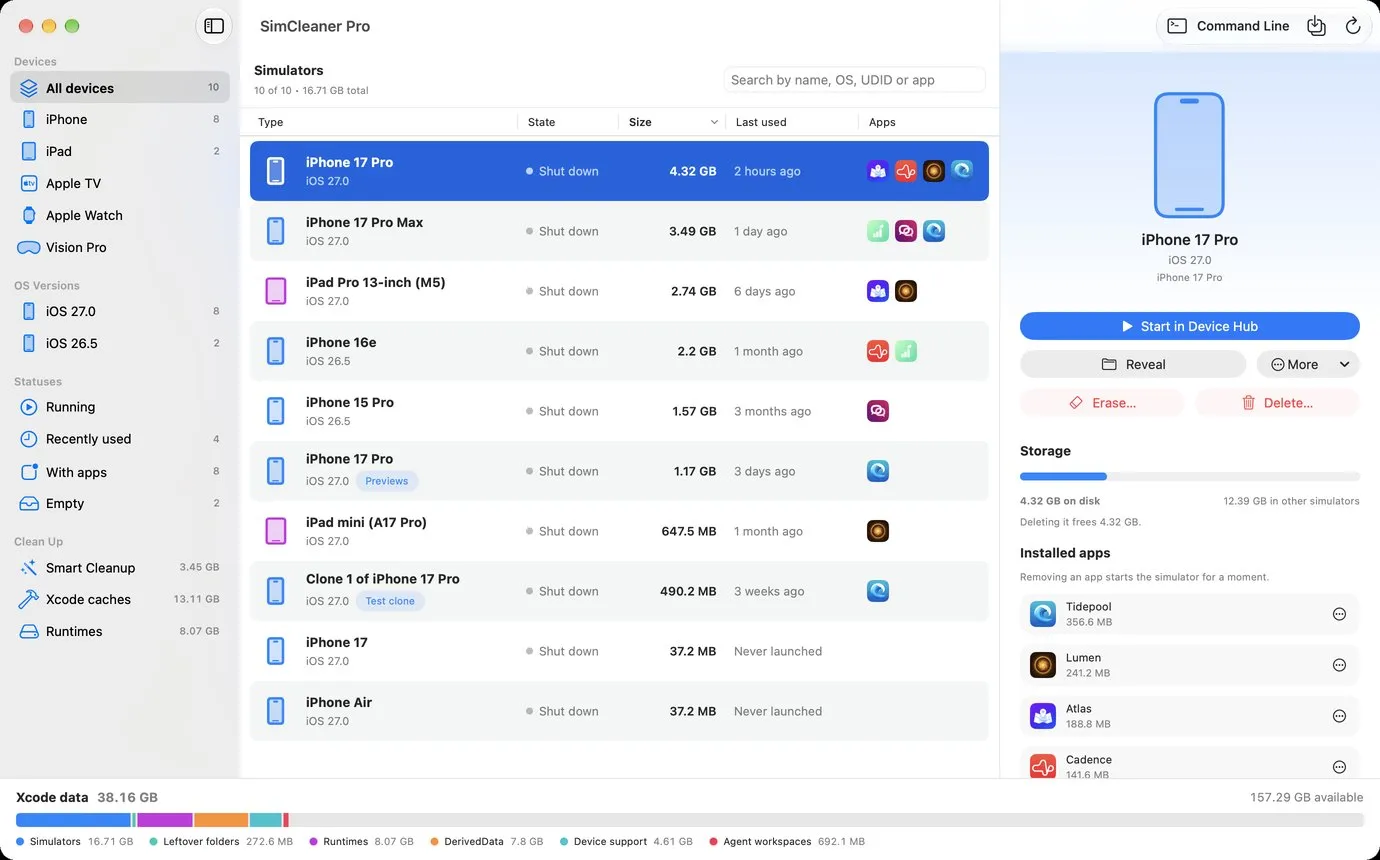
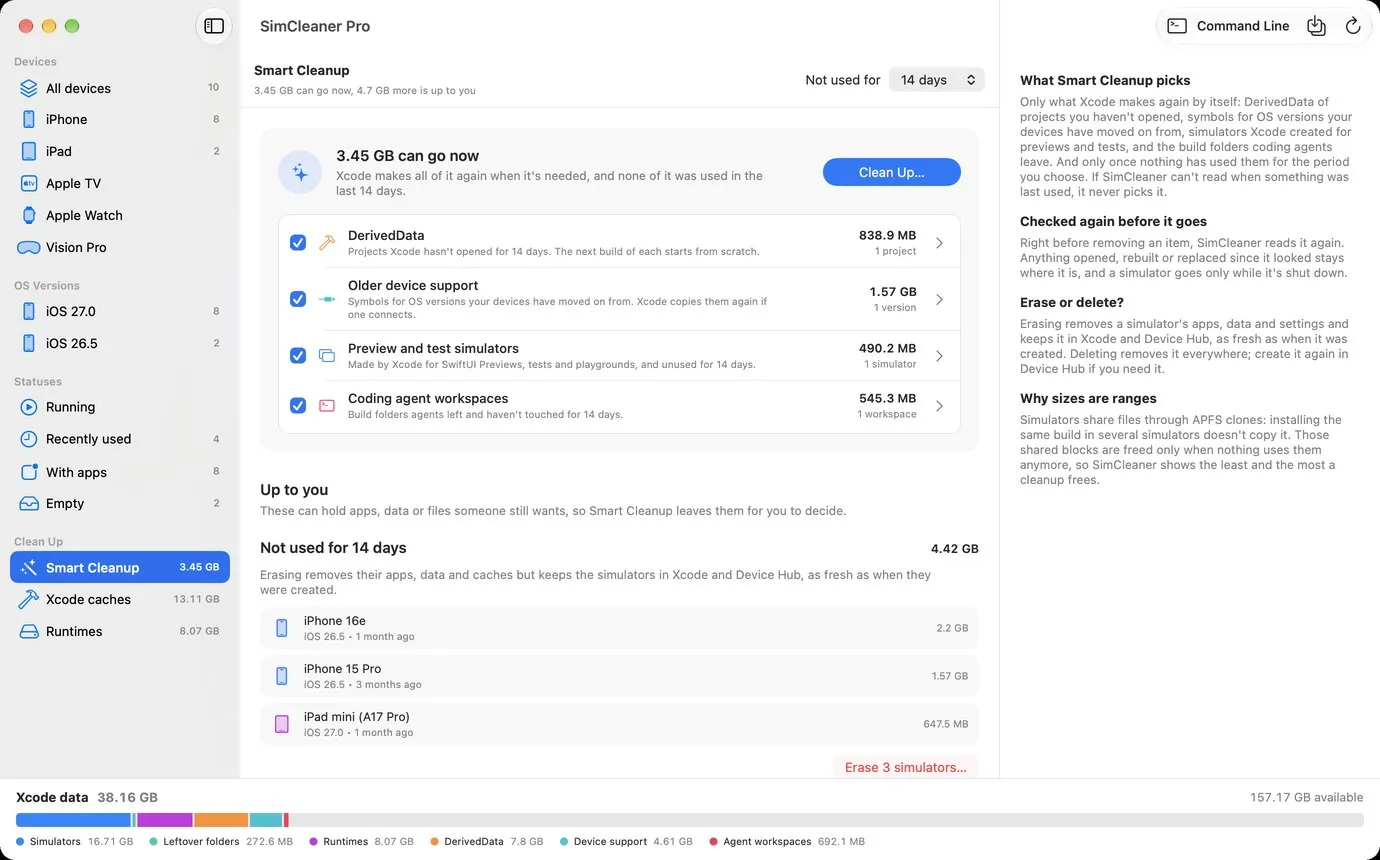
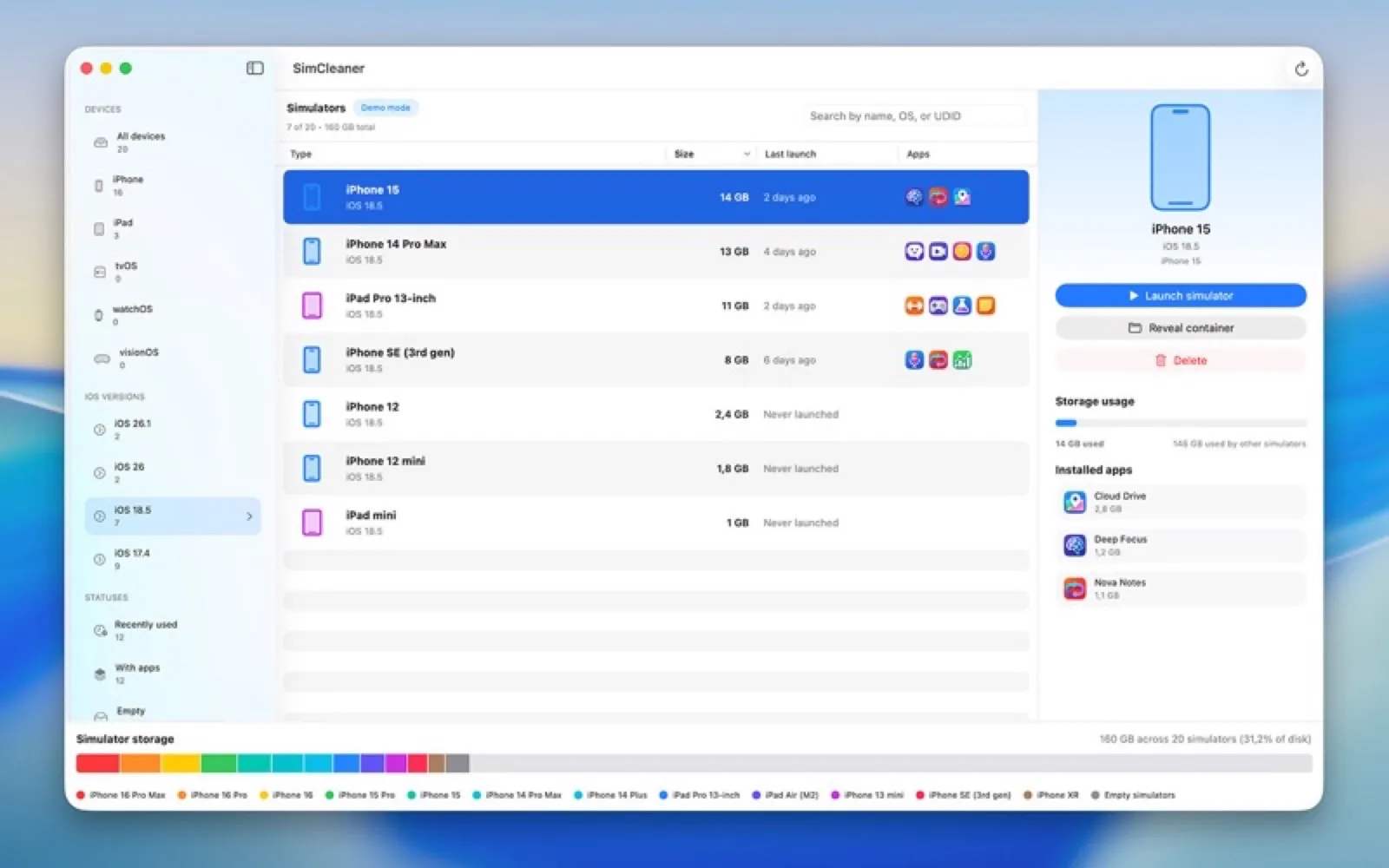
One window with every simulator, its size, when you last used it and the apps inside it. A storage bar shows simulators, runtimes, DerivedData, device support files and agent workspaces next to the free space you have left. Smart Cleanup removes in one click what Xcode will rebuild by itself and nobody has used lately. Destructive actions go through Xcode’s own simctl, so Xcode sees the change immediately.
Why there are two editions
The Mac App Store requires the App Sandbox, and the sandbox keeps apps away from the CoreSimulator service. A sandboxed app can’t boot a simulator or delete a runtime. So SimCleaner ships twice from the same code: a sandboxed App Store edition and SimCleaner Pro, a free notarized DMG that updates itself through Sparkle and can do everything. The source is MIT-licensed on GitHub.