Higher retention rates
Mobile learning can yield up to 45% higher retention than traditional methods.
Learn more →Enhanced by Raccoongang®
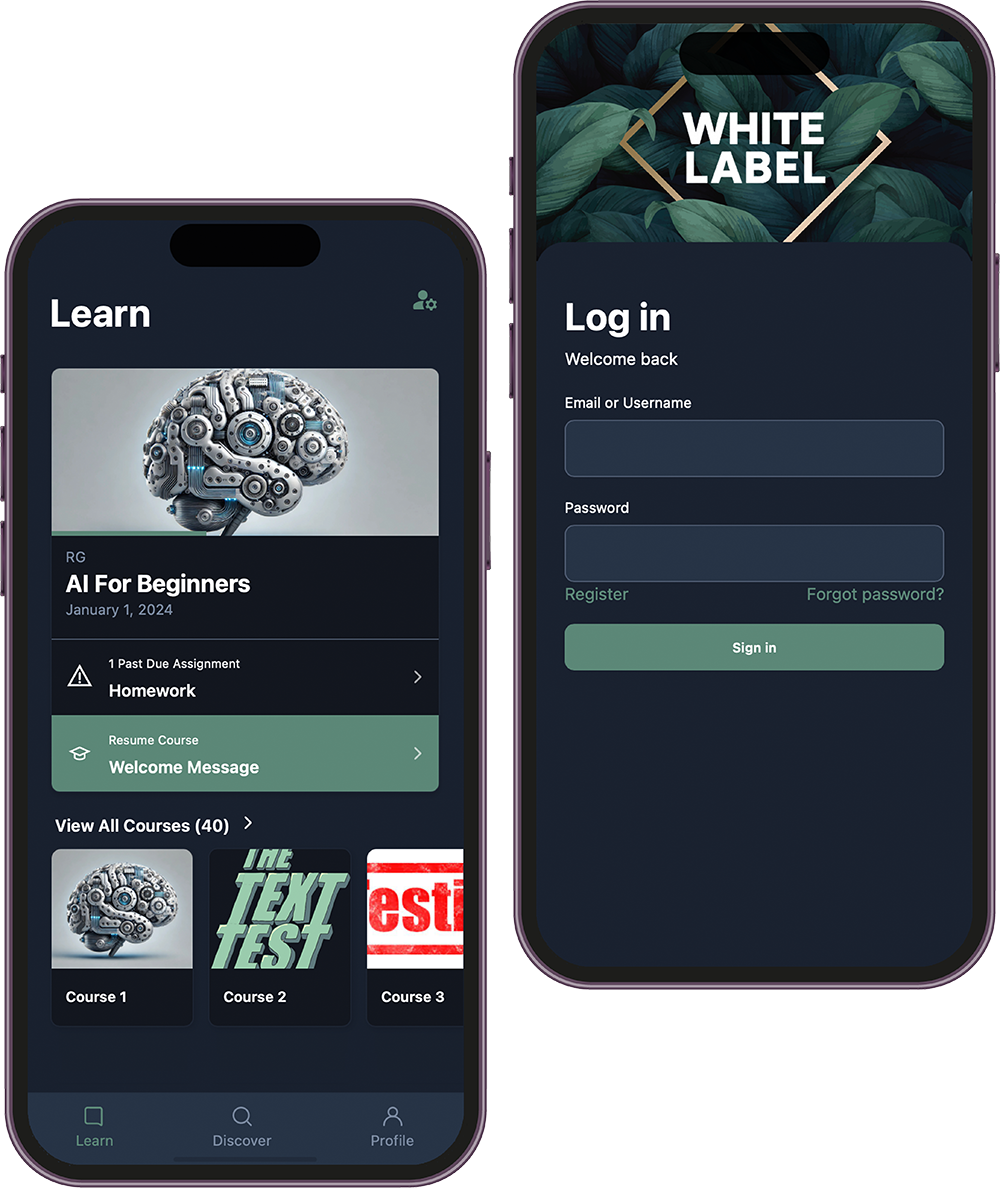
Install the Open edX® mobile demo on iOS or Android and feel the learner experience in minutes. Test with our sandbox or point it at your own LMS.

Public TestFlight & Google Play links. Best opened on your phone.
Backed by research — not just promises.
Mobile learning can yield up to 45% higher retention than traditional methods.
Learn more →70% of learners report being more motivated when using mobile devices.
Learn more →49% of students use mobile apps daily for their coursework.
Learn more →Studies show high mobile usage groups outperform low usage groups.
Learn more →M-learning tools help improve outcomes and boost critical thinking skills.
Learn more →Learners can access content anytime, anywhere.
Learn more →Mobile platforms foster higher engagement with interactive content.
Learn more →The mobile learning market reached over USD 58.7 billion in 2023 and is growing fast.
Learn more →Blend the core Open edX® mobile experience with enterprise-grade accelerators designed by Raccoongang®. We keep the official app stable, compliant, and secure — then layer on the product capabilities your learners expect.
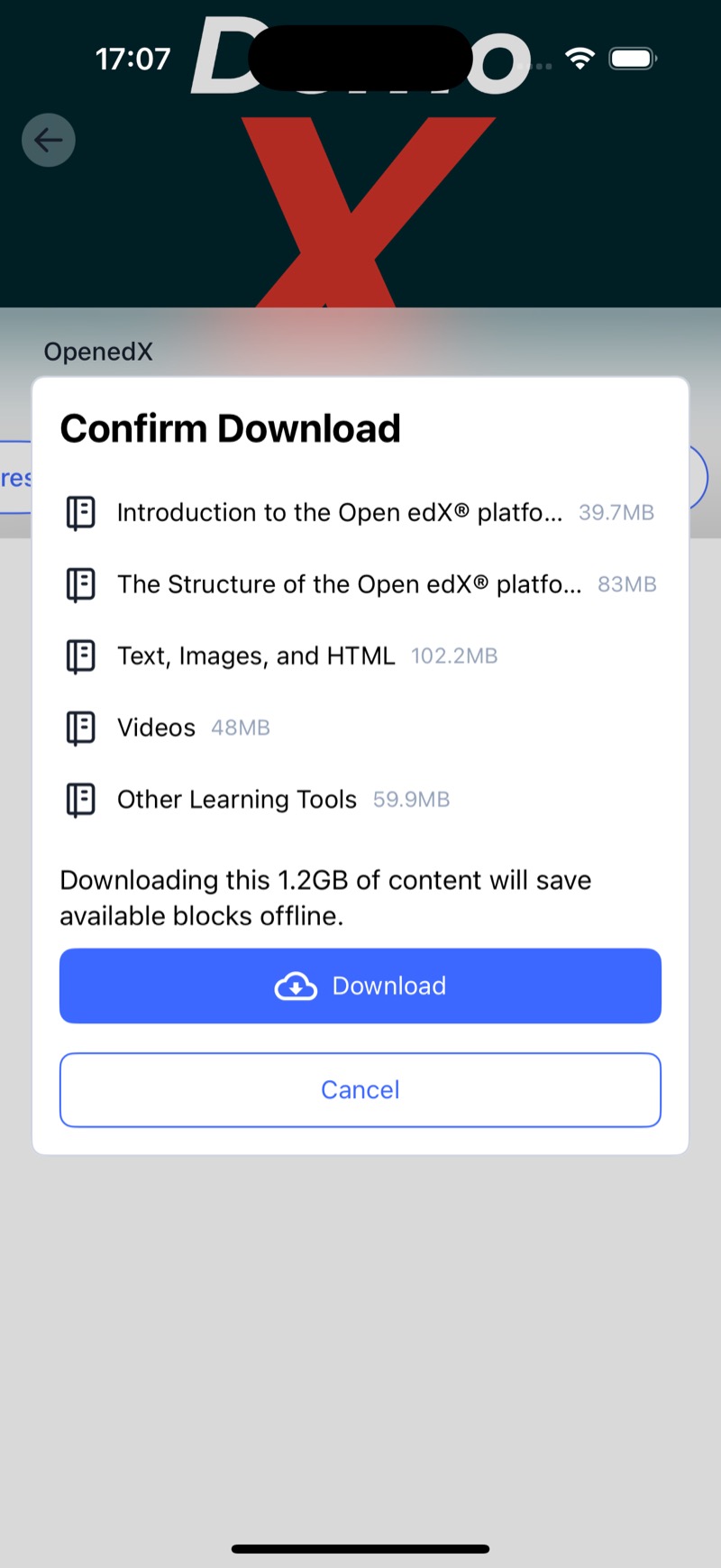
Keep learners productive during travel or low-connectivity windows while you offer offline access on any Open edX release without server-side changes.
Our mobile-first offline mode caches course pages, videos, and transcripts exactly as published. It stays independent from the LMS, so it works across Open edX versions. Offline mode is read-only: quizzes, discussions, and any server-dependent logic pause until the learner reconnects.
Compare the official Open edX® mobile app with the Raccoongang® enhanced stack. Every module builds on the base app and adds engagement, monetization, and control.
Official Open edX® mobile
RG modules & accelerators
Download the app and choose your learning environment. Start with our demo or connect your own LMS.
Install Open edX® Mobile from TestFlight (iOS) or Google Play (Android).
Open the app and sign in. You can explore using the pre-filled demo credentials or update the base URL to point to your own Open edX® LMS before logging in.
This is only required if you replace the demo LMS. Make sure your Open edX® site runs the Redwood release (December 2023) or newer — older versions need the mobile-api-extensions plugin enabled.
raccoongang.mobile.client before signing in.Open edX®-focused team shipping mobile apps and extensions that meet enterprise expectations and store policies.
We focus on Open edX® end‑to‑end — LMS, mobile, plugins and cloud. Our work aligns with community best practices and upstream conventions.
Experience with TestFlight/Google Play, App Store/Play policies, purchase flows, and privacy requirements across iOS and Android.
Fixed‑scope pilots in weeks to validate engagement and monetization. From proof‑of‑concept to production without throwaway code.
Transparent roadmaps, SLAs, and handover. We work with your IT and content teams to deploy safely in your environment.
See your courses in action on mobile, risk-free.
We prepare a branded basic version of the mobile app for you.
You share it with your students via TestFlight or Android testing — the more participants, the better.
For 14 days, your learners use the app with your real content. After two weeks, we send you a clear report on what worked, which improvements may help, and why mobile is worth it.
This short test doesn’t cost you anything, yet gives you confidence and numbers to decide.
Select the features you care about and choose how you’d like to connect.