The problem
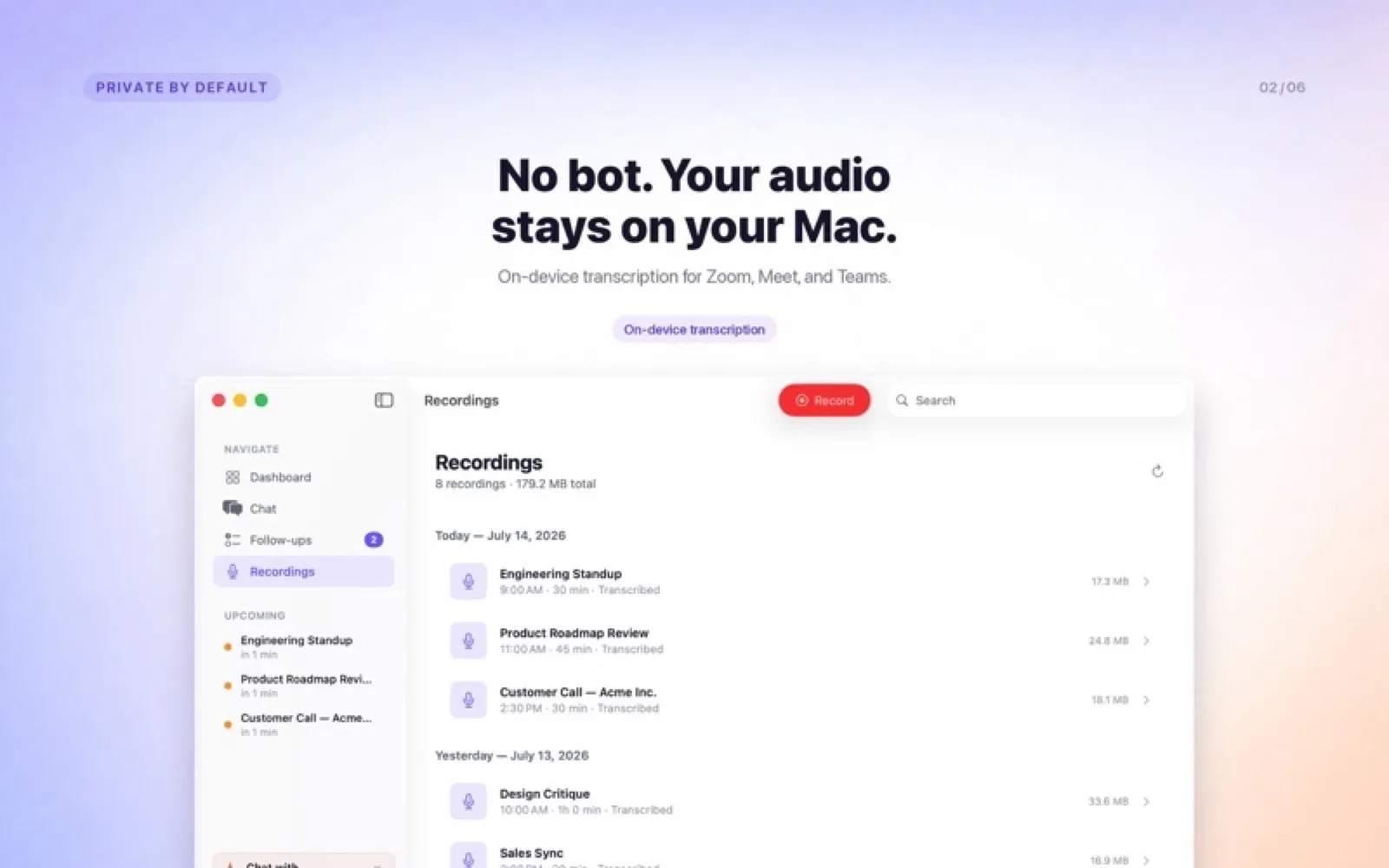
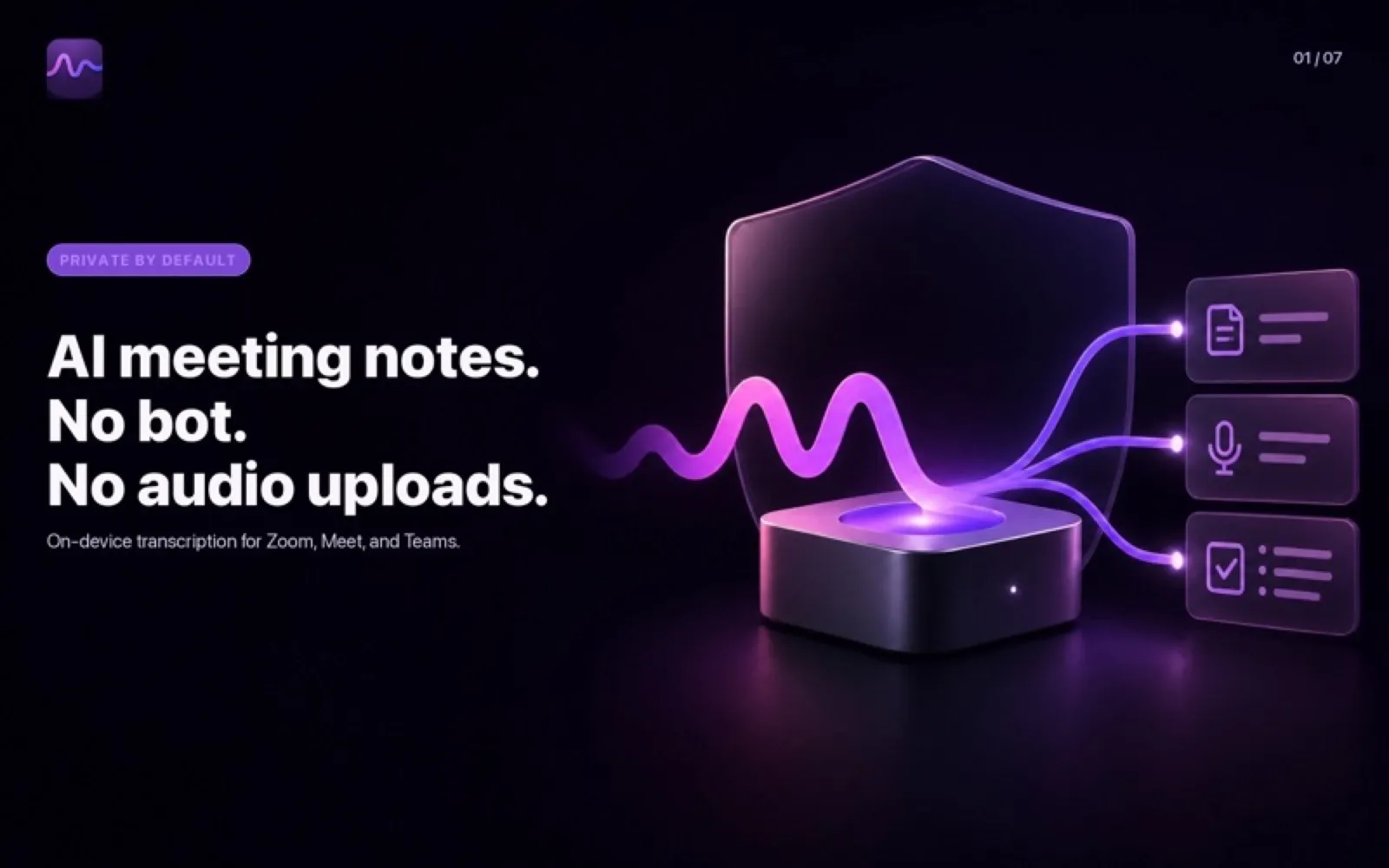
Most meeting recorders join your call as a bot, upload the audio and keep it on someone else’s server. That is awkward with clients and impossible for some of them. I wanted notes that are ready when the call ends, without anyone in the call noticing a recorder and without the audio leaving my laptop.
What I built
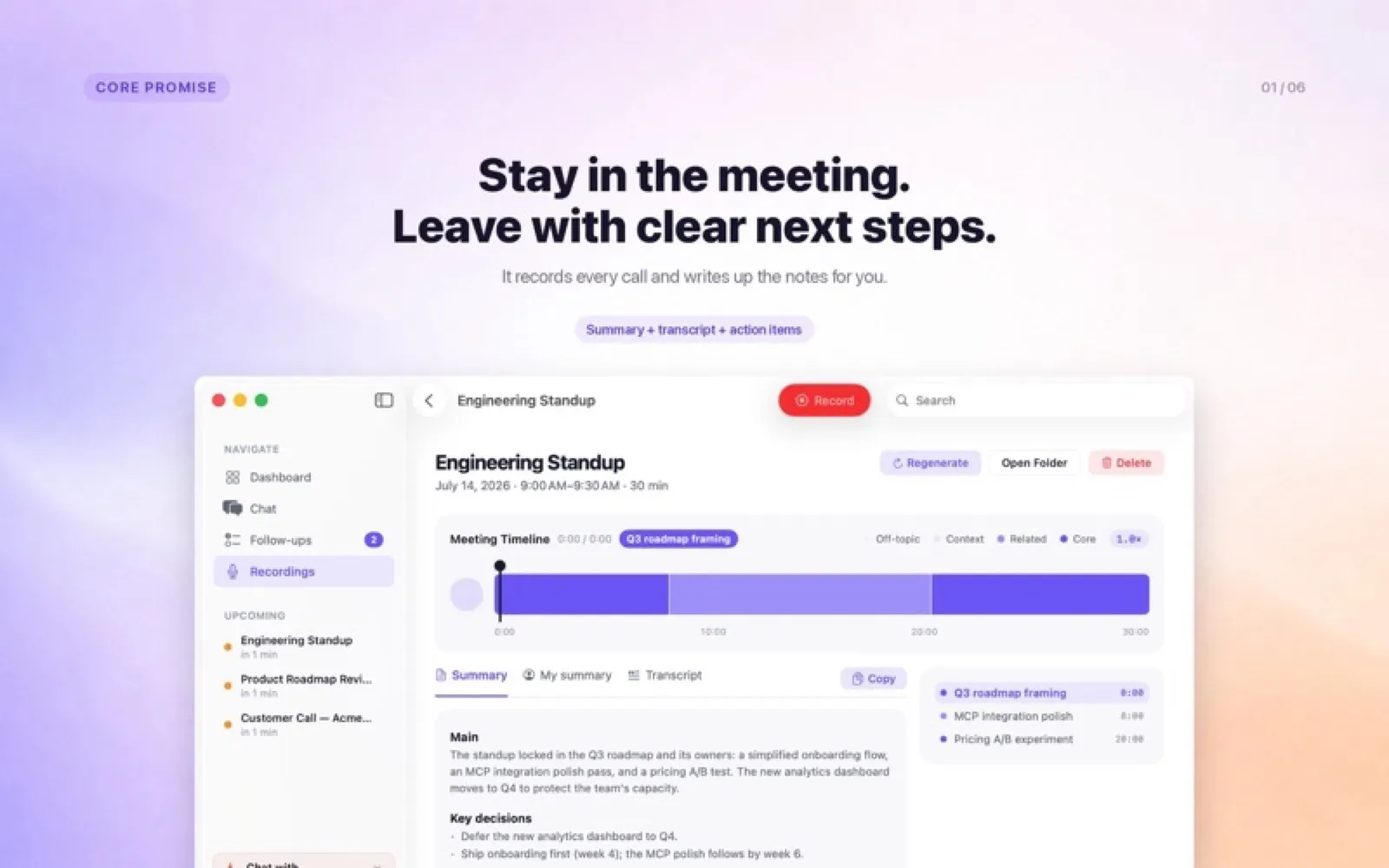
Narada lives in the macOS menu bar. It can start recording calendar meetings automatically, captures the microphone and the system audio through a Core Audio tap, transcribes on-device with Parakeet, and turns the transcript into a summary, decisions, owners and follow-ups. Recordings and transcripts stay in a folder the user picks.
Every claim in a summary links back to the moment in the transcript it came from. You can chat with your meeting archive, and an MCP server gives Claude the same archive: open commitments to a person, what was decided last week, who said what.
Two analysis routes, measured
Users choose between cloud analysis through a small Go proxy (budget caps, cache, a kill switch) and fully local analysis with Gemma 3 12B. The times quoted in onboarding come from a benchmark, not from optimism. I ran it on one real 61-minute Ukrainian meeting (59,865 characters of transcript) on an M5 MacBook Pro with 24 GB:
- Transcription with Parakeet: 71 s warm, 93 s cold.
- Cloud analysis: 76–89 s. About 3 minutes end to end.
- On-device analysis: 1,761 s. About 30 minutes end to end, with the GPU at a median 92% load.
A script in the repository re-runs the measurement and fails the build if the numbers in the app disagree with it.
What I’d point out
- It is sandboxed and on the Mac App Store, with in-app purchases verified through RevenueCat on the server.
- App Store metadata ships in 20 locales.
- The on-device route is slow. I quote it honestly instead of hiding it.